
Building from Source
Prerequisites
- Java 21
- Maven 3.9+
- Eclipse 2025-12 with PDE (Plugin Development Environment)
Build Commands
bash
# Clone the repository
git clone https://github.com/sterlp/eclipse-peon-ai.git
cd eclipse-peon-ai

# Build the complete project and eclipse plugin tests
mvn clean verify

# Build with junit core tests
mvn clean packageDevelopment Launch
To run the plugin in development mode:
- Install Eclipse IDE for RCP and RAP Developers
- Import the project into Eclipse using maven
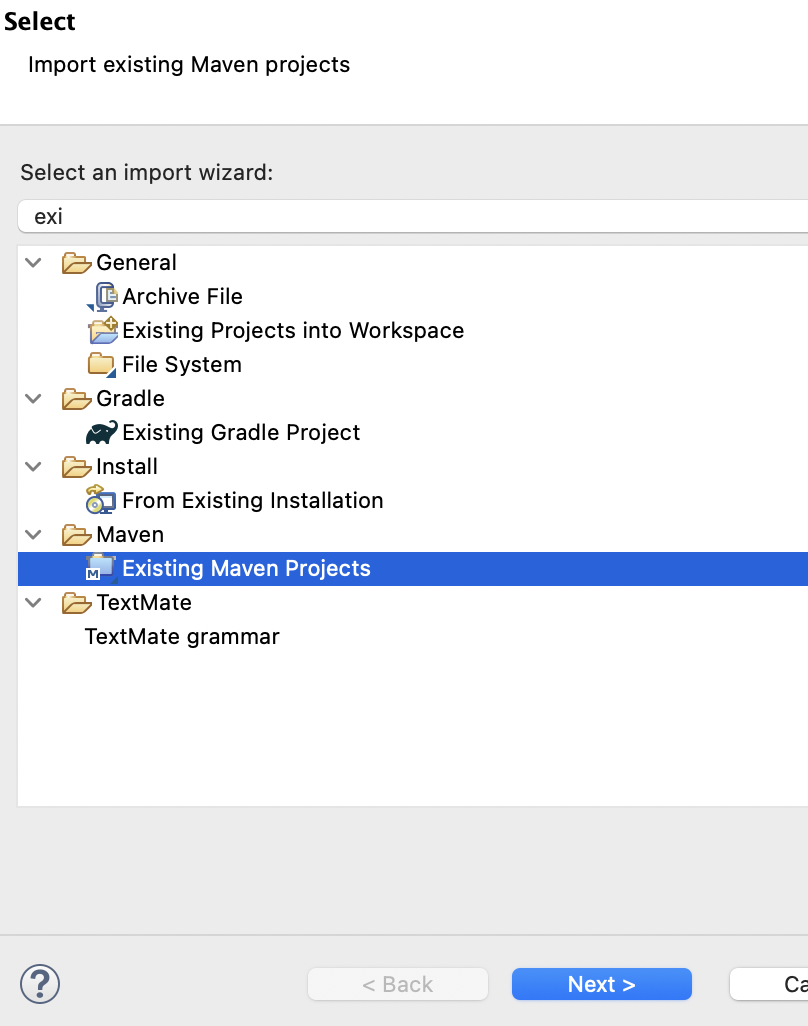
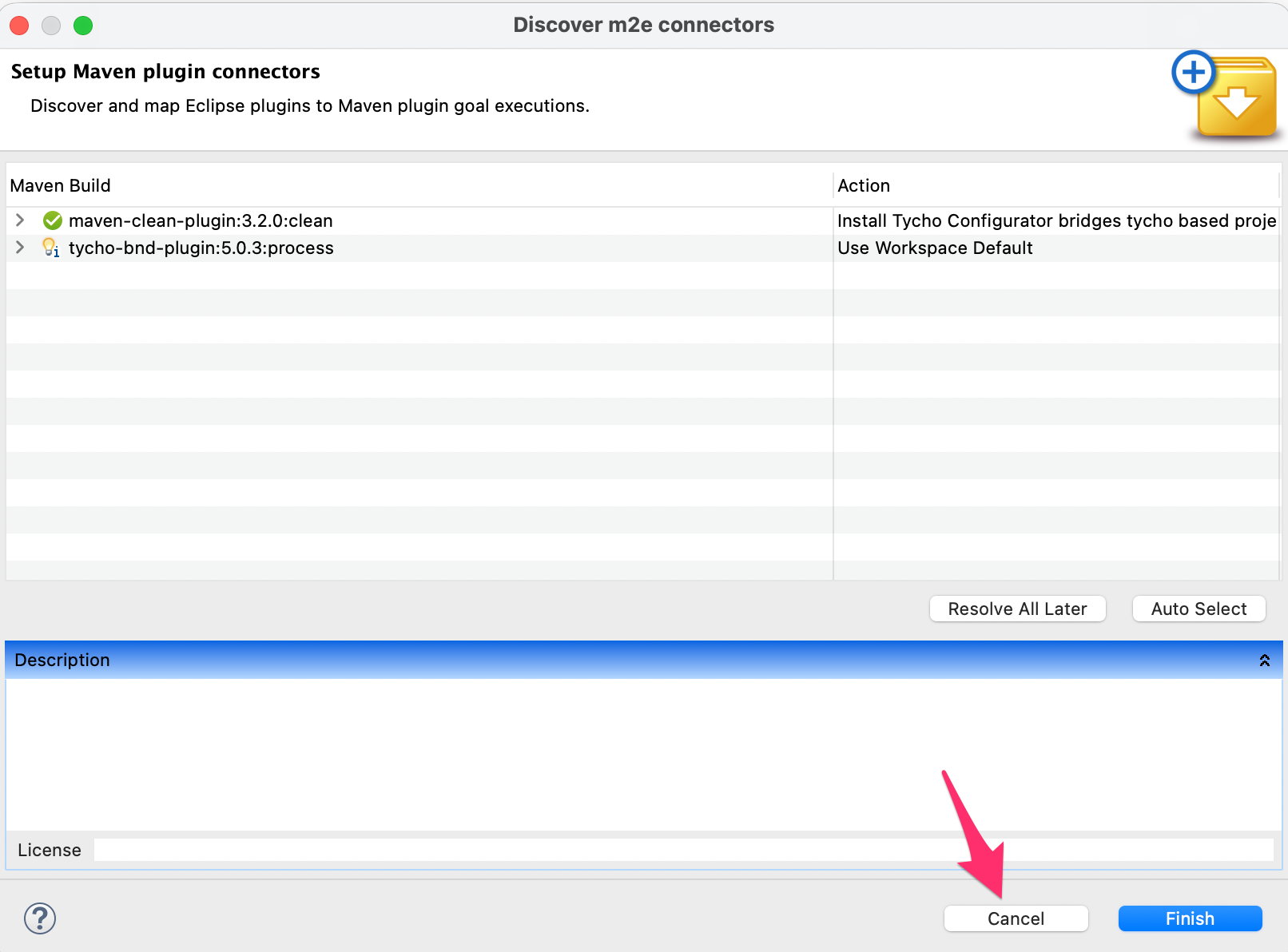
- IMPORTANT: Skip the tycho plugin install - as it starts conflicting with eclipse tycho plugin - resolve all later and finish
- Create an Eclipse Application launch configuration
- Add arguments:
-clean -clearPersistedState - Run the launch configuration
Known Issues
Incremental Build Bug
Eclipse 4.38 has a PDE/JDT bug where incremental builds produce broken .class files after the first launch.
Workaround: Use Project > Clean before re-launching the Eclipse Application.